Googlebook’s November update frees up to 6GB of RAM and addresses Chrome, display, audio, Linux, and security issues.
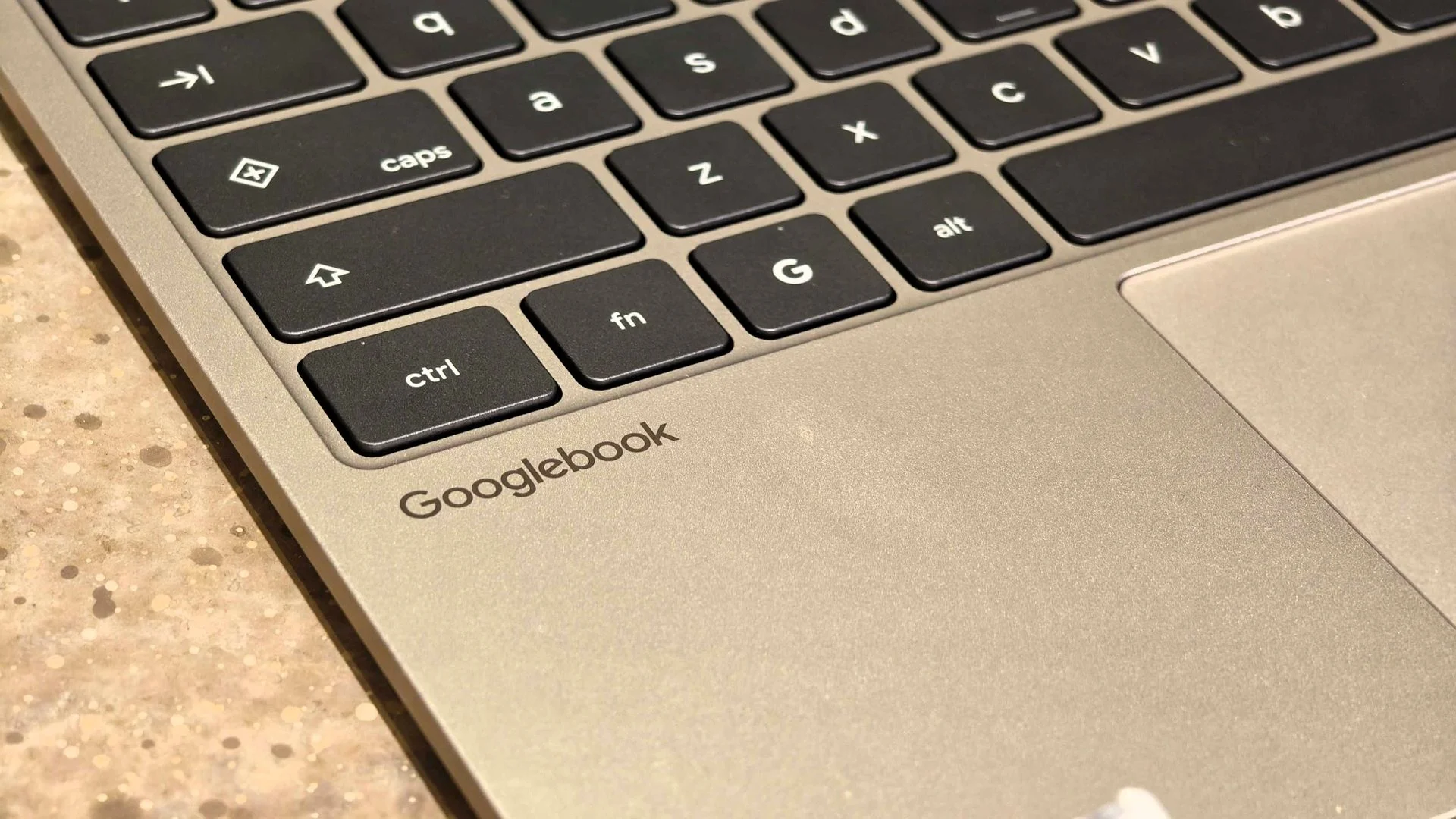
Googlebook’s November update targets a weakness that can affect everyday work: on-device AI services competing with Chrome for memory. Google says changes to the NPU driver and AICore memory management free 3GB to 6GB of system RAM, according to a Reddit post by Google’s Mishaal Rahman. On 16GB laptops, that headroom could matter when several apps and browser tabs are open. It may also reduce the pressure that builds when background services stay active while a user moves between demanding tasks.
Memory is a shared resource. Browser tabs, video calls, Linux tools, and local AI features all need room to run, and a system under pressure may close or reload work to recover it. Google’s stated gain is substantial enough to attract attention, though the practical effect will depend on the device and what’s running. A machine with a light workload may show little change; one juggling many tabs and apps could have more room to spare.
Making local AI fit alongside everyday work
The update also changes how the system reclaims memory when AI services and browser processes clash. That should mean fewer unexpected tab reloads and Chrome crashes under heavier workloads. My read is that this addresses a frustrating tradeoff in a platform built around local AI: those features need to coexist with the browser people rely on for work.
This is more significant than it looks. Local processing can keep AI tasks on the device, but it still has to share memory and other system resources with ordinary applications. If you're working in this space, the key question is whether the platform can make those services feel like part of the computer rather than another workload competing for attention. More available RAM is a useful start, though it won't by itself prove that every conflict has been resolved.
Fixes reach displays, peripherals, and video calls
Google has bundled a broad set of device fixes into the release. Convertibles should retain keyboard and touchpad input when switching between laptop and tablet modes, while Zoom should stop crashing when users apply simulated backgrounds, filters, blur, or 3D avatars. Both fixes address moments when a device needs to change how it handles input or video processing without interrupting the task at hand.
External monitors should now show DRM-protected streaming video such as Netflix, resolving the black-screen issue. The release also addresses USB microphones and multichannel audio interfaces, reduces Bluetooth audio-video sync delays, and improves wireless mouse reconnection. These changes won't draw much attention when they work; they matter because display, audio, and input failures can make a laptop unreliable for meetings or media, even when its core applications remain available.
The breadth is useful, but it also makes the release harder to judge from a single headline. A user who never connects an external monitor may care more about Chrome stability, while someone using an audio interface may see the peripheral fixes as the main event. The value is in the collection of practical repairs.
Linux development and device security
Linux Terminal beta users get more dependable shell sessions after sleep, improved SSH port forwarding, and better multi-window handling. Google also fixed a memory leak triggered by closing terminal tabs. Linux virtual machine updates should preserve user storage and custom SSH configurations instead of disrupting them.
Those changes speak to a different kind of everyday reliability: keeping a development environment intact between sessions. A memory leak can gradually consume resources during repeated use, while lost SSH settings or storage can turn a routine update into a time-consuming recovery. The fixes should make the Linux environment less disruptive for people who use it alongside Chrome, though the source doesn't establish how broadly each issue affected users.
The November 1, 2026 Android security patch addresses around 60 vulnerabilities. Google also updated the Linux 6.18 kernel and Ti50 security chip firmware to fix unexpected restarts, boot loops, and noisy fans. Security updates and stability work sit alongside the user-facing changes, giving the release a wider scope than a simple performance patch.
Gradual rollout, with some reported glitches
The update is rolling out gradually to supported Googlebook models from Acer, ASUS, Lenovo, HP, and Dell. Owners can check Settings > System > System Update; the release build is CL3B.260622.286.R2. A staged rollout means availability may differ between devices, so a model being supported doesn't necessarily mean the update will appear immediately.
Early Reddit feedback includes reports of smoother performance, alongside complaints about Chrome spell check and notification syncing after waking from sleep. Those reports are initial user accounts, not a complete measure of how the release behaves across supported hardware. They do, however, offer a reason to pay attention after installing, especially if either feature is part of your regular workflow.
What the update signals
The memory changes are the release’s clearest performance gain; how much users notice will depend on their workload and whether those smaller glitches affect their devices. The numbers here are promising, but they describe RAM freed by system changes, not a guarantee that every laptop will feel faster in every task.
That said, the release points to a practical test for Googlebook’s on-device AI approach: can AI services remain available without making ordinary work less dependable? The update tackles that tension while fixing problems across video calls, displays, peripherals, Linux, and security. Here's the thing: reliability is built through these unglamorous details. Better memory management, fewer crashes, and working accessories. If the reported improvements hold across devices, users may notice the platform less because it demands attention—and more because their work keeps going.


Discussion
Sign in to join the discussion.