Xbox Insiders get a faster PC app, while Microsoft brings updated cloud gaming features to the web, supported TVs and VR headsets.
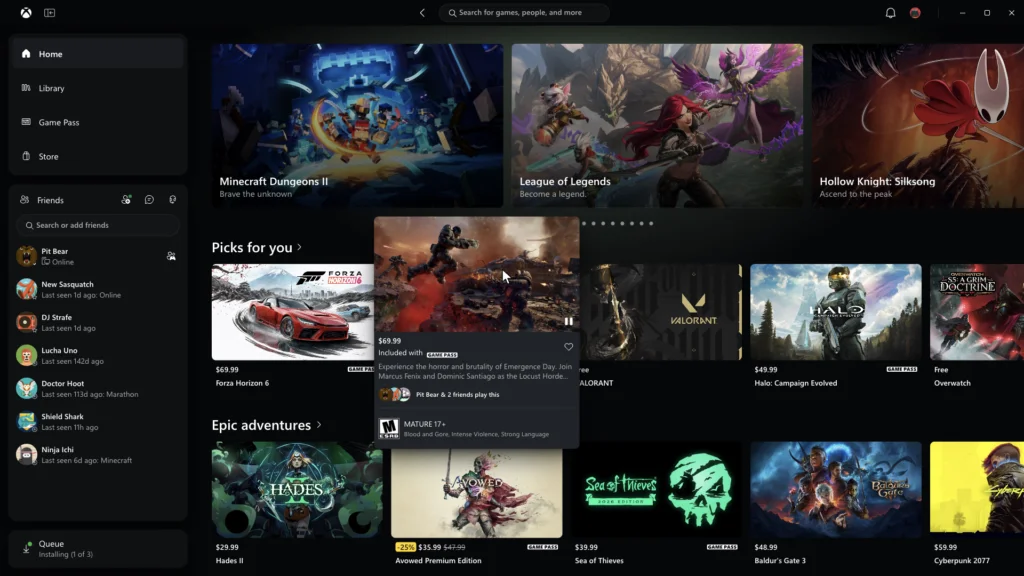
Microsoft is updating how players find games and reach friends across Xbox, with the biggest immediate change arriving in the PC app: it now launches up to 60% faster in testing. The redesign also touches Xbox’s cloud gaming web experience and apps for supported TVs and VR headsets, aiming to make navigation more consistent across screens. The package addresses two familiar points of friction: waiting for an interface to load and figuring out where a game or social feature lives. Whether the redesign succeeds will depend on how those changes feel in ordinary use, not just in Microsoft’s speed tests.
The PC app puts speed and navigation first
Xbox Insiders will receive the PC app improvements first. Microsoft says the Home, Store and Game Pass pages load up to 50% faster, while in-app windows open up to 65% faster. Those figures come from testing; actual results may vary with the device, connection, system setup and usage. The “up to” qualification matters: it describes the best reported improvement, not a guaranteed reduction for every player or every session.
Faster loading can make a launcher feel less like a separate chore between deciding to play and starting a game. But speed is only part of the experience. If the app still makes common tasks hard to find, shorter waits won't fix the underlying friction.
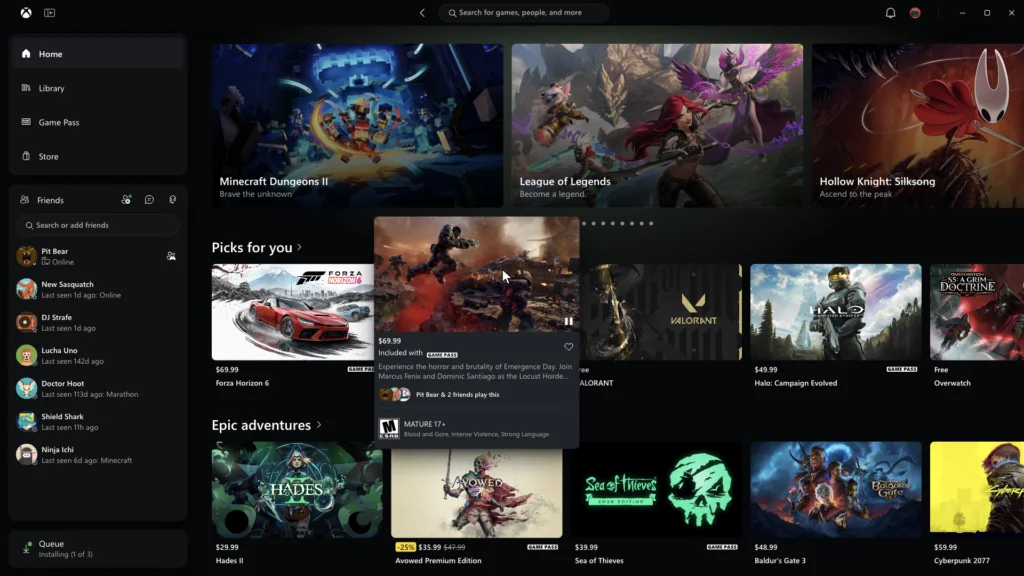
The interface changes focus on routine tasks. A reorganized Library adds simpler navigation, updated filters and more ways to sort a collection. Those options become more useful as a library grows: a player looking for a recently installed title has a different need from someone browsing by genre or sorting through games they already own.
Friends and social tools move into the main navigation, giving players a quicker route to see what friends are playing, start a chat or join a party. That placement treats social activity as part of the core Xbox experience, rather than a feature players have to hunt for after opening the app. Here's the thing: a clearer route helps only if the information and controls behind it remain easy to understand.
Search now covers more of Xbox from one place, including games, installed titles, add-ons and people. Microsoft has also refreshed game cards, Home, Settings and animations to make the app easier to scan. The changes address the practical friction of finding a title or connecting with someone, alongside the launch-time improvements. This is more significant than it looks: navigation affects whether a broad set of features feels connected or like a collection of separate destinations.
Cloud gaming gets a broader library view
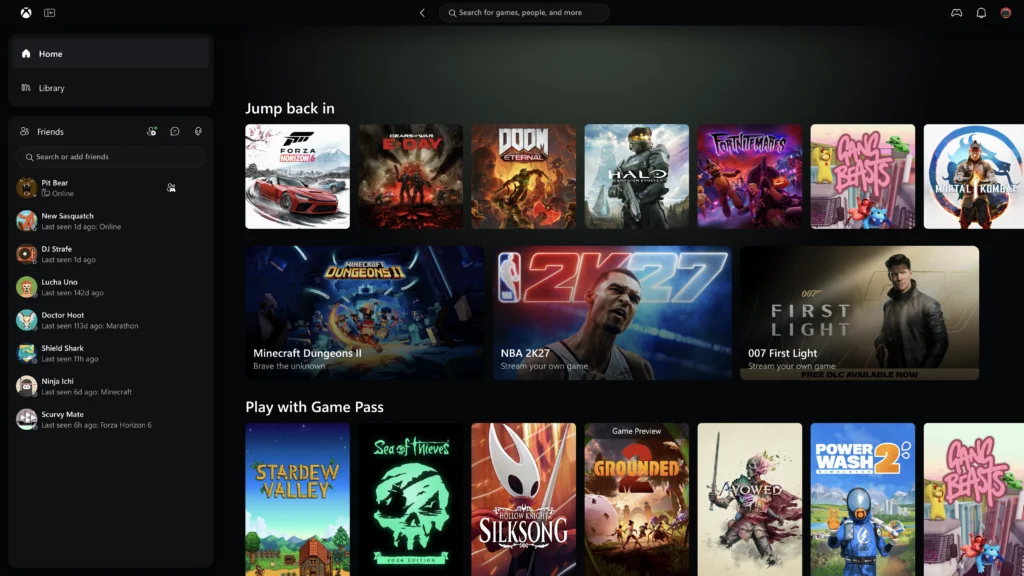
Microsoft is also widening access to its refreshed Xbox cloud gaming web experience. After an Insider preview earlier this year, the update will reach more players automatically over the coming weeks. Players who want to try it sooner can visit play.xbox.com. That staged rollout gives the company a way to extend the preview while making the updated experience available to a wider audience.
A new Library tab gathers cloud playable games, whether they’re owned outright or available through Xbox Game Pass. Bringing those titles together gives players a clearer starting point for browsing, although the distinction between owned games and subscription access still matters when deciding what can be played. Players can browse and filter by recently played, genre, input options and other criteria. On PCs and larger displays, a desktop mode makes better use of screen space while browsing.
Those filters address a basic discovery problem: a list of available games is useful only when players can narrow it to something relevant. Input options, for example, can help someone look for games that fit the controls they have at hand. The web interface is therefore doing more than pointing toward a launch button. It's also organizing the catalog before a player commits to a session.
Personalization options include dark and light themes, plus five high contrast settings intended to accommodate different visual needs and preferences. The range gives players more control over how the interface appears, though the presence of these options alone doesn't tell us how well each setting works across screens. Together, these features make the web experience more useful as a place to browse a cloud gaming collection, rather than simply launch a game.
Updated navigation reaches TVs and VR headsets
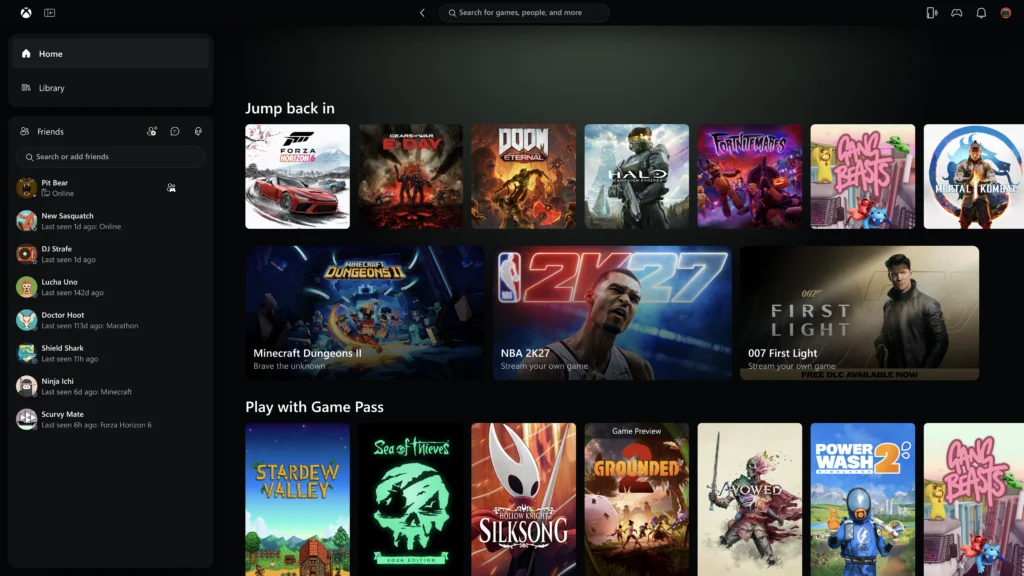
Microsoft is beginning to bring the refreshed look and navigation to Xbox cloud gaming apps on supported TVs and VR headsets. The company says each version needs to suit its screen, while keeping core tasks familiar: finding games, understanding which titles are playable and getting into a session quickly. That balance is difficult because a television interface and a headset interface impose different constraints on how players browse and select items.
For players, the value of a familiar layout is practical. If you're working across a PC, a TV and a headset, recognizable navigation can reduce the time spent relearning basic steps on each device. Still, visual consistency has limits: controls and screen layouts can't be identical everywhere, and a design that works on one screen may need to change on another.
That consistency matters as Xbox spans devices with different controls and display sizes. The PC app, web experience and living room or VR apps won't work identically, but a shared approach to browsing and navigation could reduce the adjustment players face when switching screens. The test is whether that shared approach makes the important choices easier to spot without forcing every device into the same interface.
What the redesign needs to prove
The updates point to a broader product priority: make Xbox feel easier to use across the places where players access it. That ambition is sensible, but the announced changes describe interface work and test results, not proof that the full experience has improved for everyone. Loading times can vary, and a cleaner Library still depends on useful sorting and clear availability information.
And yet, the package gives Microsoft several concrete ways to judge whether the redesign is working: players should get into the app faster, find games with less searching and reach friends with fewer steps. The cloud gaming Library also needs to make browsing feel purposeful, especially when titles come from different sources. A more consistent interface is valuable only when it helps players complete those tasks.
Microsoft says player feedback will continue to shape the updates. Xbox Insiders can share feedback through aka.ms/XBOXplayervoice, and can seek support in the Xbox Insider subreddit. Players who want early access to features can join the Xbox Insider Program through the Xbox Insider Hub for Xbox Series X|S and Xbox One or Windows PC. The next measure of success will be whether quicker launches and clearer browsing make the service feel more coherent across devices. The details that matter most are often the small ones (and this is the part most people overlook). Easier to find. Faster to reach.



Discussion
Sign in to join the discussion.