Googlebooks combine the best of ChromeOS and Android, offering premium features and AI capabilities, making them a compelling alternative to traditional laptops.
Qualcomm recently hosted the Snapdragon Summit, showcasing their latest innovations, including the new Googlebooks. These devices, featuring Android on a laptop form factor, represent a significant shift from traditional Chromebooks. I had the opportunity to experience some of the first models available, and they’re designed to merge the strengths of ChromeOS and Android while integrating advanced AI capabilities.
I was never particularly fond of Chromebooks, but there’s something appealing about the Googlebooks that piqued my curiosity. That said, the initial price point for these devices does set a premium bar, making them less accessible to some users.
Not Your Typical Chromebook
One of the most notable differences with Googlebooks is their pricing strategy. Unlike the traditionally budget-friendly Chromebooks, which often cater to schools and institutions, Googlebooks are being marketed at a higher tier. The least expensive model starts at $899, significantly above what many are used to with Chromebooks, which often begin at much lower prices.
This price point underscores Google's intention to position Googlebooks as a premium experience from the outset, aiming to attract users looking for high-quality laptops rather than just affordable options. This approach is likely why we’re seeing prices rise to over $1,000 for certain configurations.
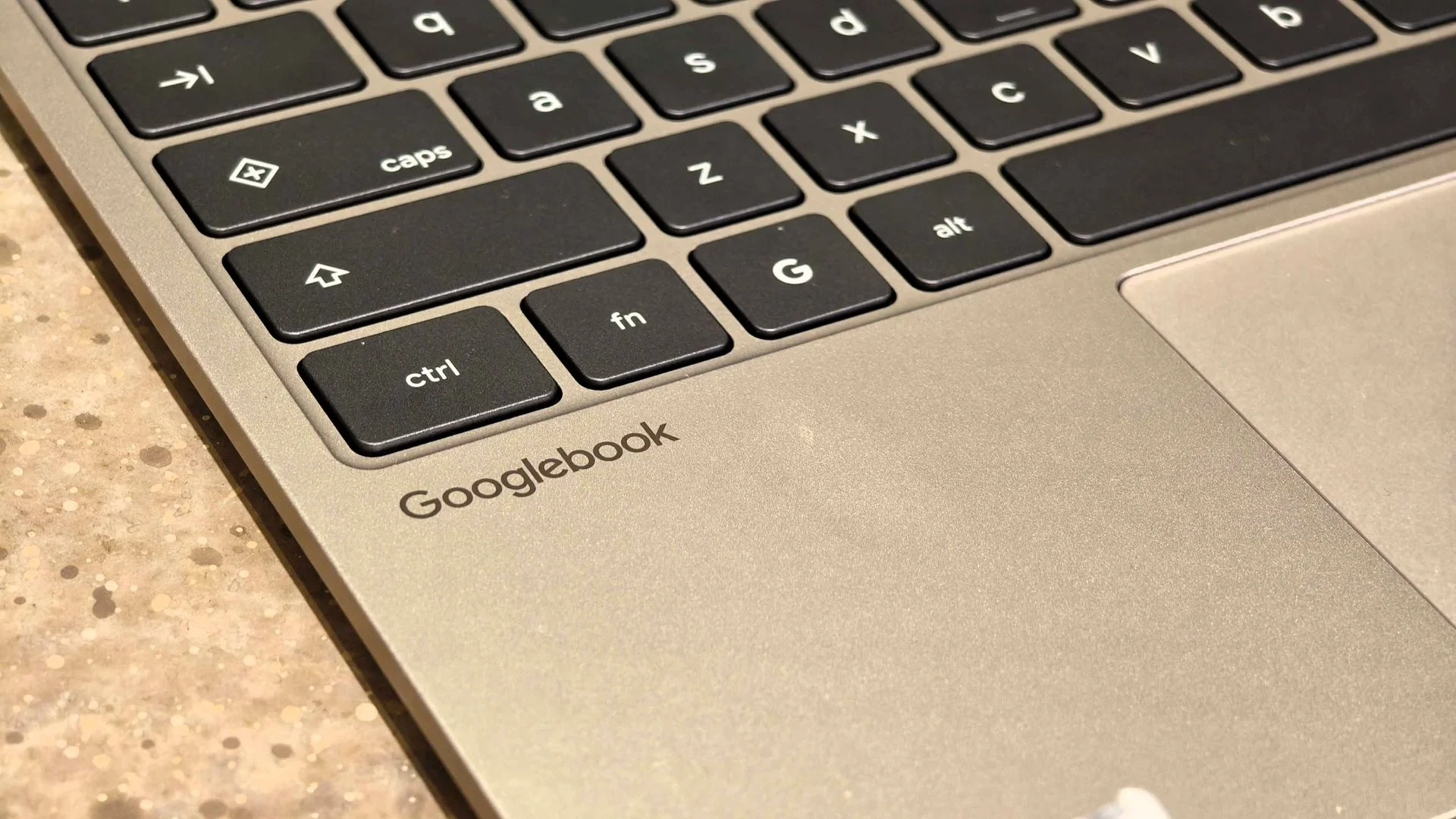
During the Snapdragon Summit, I had hands-on access to the HP Googlebook 14, priced at $1,299, and the Dell XPS Googlebook at $999. Both laptops boasted exceptional build quality and aesthetics, setting them apart from previous Chromebook models I’ve experienced.
The HP Googlebook features a stunning 14-inch OLED display, delivering rich colors and deep contrasts, making for an impressive viewing experience. The Dell XPS model, on the other hand, includes a smaller LCD display with a sleek, minimalist design reminiscent of higher-end MacBook models.
Design and Features
Both devices come equipped with 16GB of RAM and 512GB SSD storage, incorporating built-in fingerprint sensors for enhanced security. They also feature the unique Glowbar interface, which serves multiple functions, although its full potential feels somewhat underutilized at launch. I found it puzzling that Google hasn't fully revealed this feature's capabilities, but they have plans for expanding its functionality in the future.
User interface elements like the quick settings and app drawers will feel familiar to Android users, drawing on the aesthetics and usability from Android phones. Users can also pin widgets to their home screens, providing quick access to important information, much like the Android mobile experience.
Advanced AI Capabilities
What distinguishes Googlebooks from their Chromebook predecessors is their enhanced processing power, largely due to the incorporation of the Snapdragon X Elite chipset. This upgrade offers superior performance and expands the range of functionalities available through AI.
For example, one standout feature is Rambler, which allows users to dictate notes, emails, and documents organically, filtering out filler words and adjusting for nuances in conversation. This capability is easily activated through a dedicated Rambler key on the keyboard.
The Magic Pointer, another prominent feature, enhances user interaction by allowing users to hover over items on the screen for additional context. This interactive element encourages exploration and can access Gemini's AI features conveniently, which streamline how users engage with their devices.
User Experience
UI design also plays a crucial role in the Googlebooks experience. The settings and quick-access menus are reminiscent of those on Google’s Pixel devices, fostering an intuitive transition for users coming from Android. Moreover, workflow efficiency is enhanced through features that facilitate easy app integration from mobile devices, allowing users to carry out tasks seamlessly between their phones and Googlebooks.
Googlebooks offer features similar to Apple's handoff, enabling users to start a task on their smartphone and seamlessly continue it on the laptop. This functionality is further supplemented by easy file-sharing capabilities, which could reshape how Android users interact with their devices.
Looking Ahead
Despite my limited hands-on time with the Googlebooks, it’s clear they represent a promising step for Google into the computing space. While the current offerings may be higher-priced, I’m keen to see how Google positions these laptops in the market, especially as they potentially introduce more affordable options in the future.
It's also worth noting that Chromebooks will coexist alongside Googlebooks for the foreseeable future, with some existing models possibly receiving updates to the new operating system. Although gaming on Googlebooks may not hit the same benchmarks as traditional PC setups, access to streaming services like GeForce NOW provides an avenue for gaming experiences.
Googlebooks may not cater to every user preference, but they’re shaping up to be an attractive choice for Android enthusiasts who require a more powerful device for productivity. As a former skeptic of Chromebooks, I'm intrigued enough by Googlebooks to consider a shift from my current Windows setup. Looking ahead, I see potential here that merits attention.

Discussion
Sign in to join the discussion.