Android 17 QPR2 Beta 6 has been released, fixing significant reboot problems and enhancing stability for Pixel users amid ongoing updates.
Overview of Beta 6 Updates
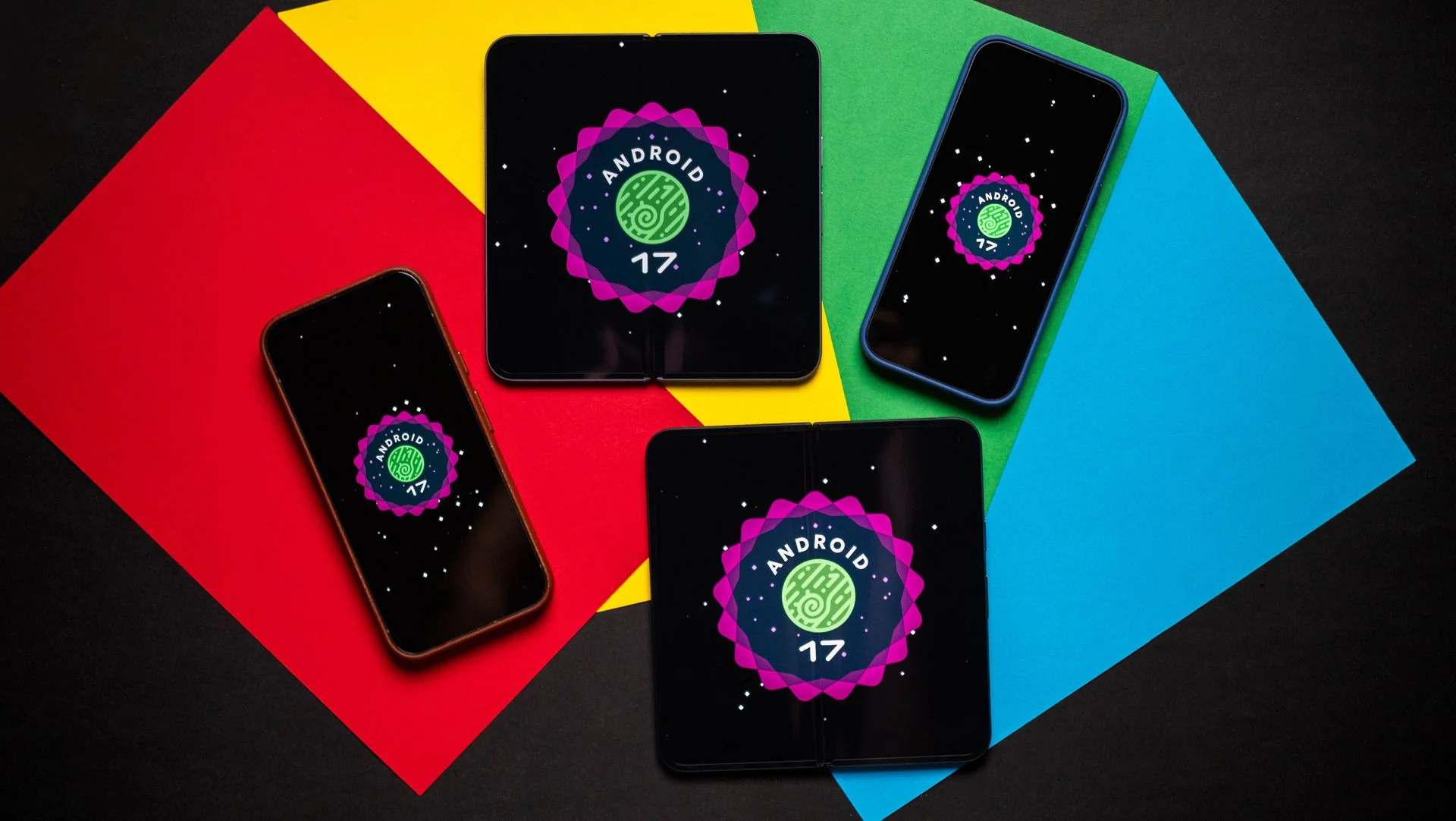
Google has launched Android 17 QPR2 Beta 6 for Pixel testers, focusing on addressing glitches, particularly unexpected reboots experienced by some devices. This revision aims to stabilize the user experience as part of the ongoing beta program.
The update arrives just under ten days after QPR2 Beta 5, signifying that Google is in the final stages before achieving comprehensive stability across devices. All supported models, ranging from the Pixel 6a to the Pixel 10 series, will see the same build number: vCP41.260831.007. These frequent updates indicate that Google is actively addressing issues as they arise. A swift rollout process can encourage user engagement and feedback, something Google's beta testing community thrives upon.
Addressing Reboot Issues
A significant highlight of this update is the resolution for a troublesome reboot issue plaguing users of the Pixel 9 Pro Fold. This particular problem arose when attempting to access the camera through third-party apps, leading to unexpected shutdowns. Google has acknowledged this issue, ensuring that the latest beta version will mitigate these interruptions for affected users. This swift acknowledgment and response showcase Google's commitment to improving user experience, although repeated glitches raise questions about the thoroughness of their testing processes.
Additionally, the update tackles a severe kernel crash problem that emerged when apps simultaneously accessed the camera and microphone during biometric tasks. This fix is essential as it enhances both device functionality and user privacy. With increasing scrutiny over user privacy, especially in the context of how apps access sensitive information, addressing this specific issue is of utmost importance. Consumers are becoming more concerned about security, and any instability around these features can shake their confidence in a platform.
Other Fixes and Adjustments
- Correction of a visual regression that allowed letterboxed content to leak through the status bar during transitions.
- Resolution for a blank screen issue in the screensaver while devices are charging.
- Fixing swipe gesture functionality for dismissing locked applications in the recent apps view.
- Addressing device crashes, reboots, or hangs associated with scrolling activity.
These smaller adjustments may seem like minor fixes, but they can significantly impact day-to-day usability. Visual glitches and unresponsive features compromise user satisfaction and productivity. In many ways, it’s these little annoyances that can accumulate, ultimately influencing a user's preference for a particular device or brand. A seamless experience can elevate a user’s perception far beyond a product's specifications.
Interestingly, one report indicated that Google has temporarily removed the blurred notifications feature on the lock screen to rectify bugs related to it. Mishaal Rahman contributed to this discourse on Reddit, clarifying that the product team made this adjustment as a temporary measure. Such decisions are often difficult as they balance enhancing features against maintaining stability. Users may find it frustrating that a much-anticipated feature has been temporarily pulled, yet this type of decision points to a maturity in handling software development. Prioritizing stability over novelty is often a wise choice in the long run.
Users of supported Pixel devices, including the Pixel 10 Pro XL and Pixel 7, have reported enhancements in fluidity post-update, mainly linked to the integration of Kernel 6.12. Fresh kernel changes can pave the way for improvements in responsiveness and efficiency across various tasks. This is the part most people overlook: the kernel serves as the core around which performance revolves. Minor changes here can create ripples of improvement throughout the user interface.
With the rollout of this update, it’s clear that Google is racing to implement these critical fixes swiftly, ensuring a smooth transition towards the complete release of Android 17 QPR2. Speed is of the essence; each delay can erode user confidence in the platform. Users expect timely and effective updates, especially when they've opted into a beta testing program. They want to feel like they’re part of the improvements, rather than just testers of unresolved bugs.
Implications and Future Outlook
The ongoing updates to the Android QPR2 beta signify Google's commitment to refining its product before the full release. But what implication does this have for users? If you're working in this space, understanding the tempo and nature of these updates can offer insight into Google's larger strategy. Frequent updates suggest a responsive approach to user feedback, though persistent issues raise questions about development and testing protocols.
Moreover, this phase of rapid updates can indicate the increasing complexity of software systems. As devices integrate more features and capabilities, the potential for issues grows. The expectations around software stability aren't just user-centered but also reflect a broader trend towards transparency and accountability in technology development. With this awareness, users expect companies not only to respond quickly but to prevent these issues from arising in the first place.
Looking forward, if this trend continues and users face fewer disruptive bugs, we might see a renewed trust in Google’s ability to deliver a polished product. That's what matters—confidence. Keeping devices stable and ensuring timely fixes will ultimately decide the success of not just this update, but the Android platform as a whole.



Discussion
Sign in to join the discussion.